Brief
See what moved and what deserves your attention next.

 DoneBrief
Your Intelligent Execution Assistant
One connected DoneBrief experience for your priorities, meeting follow-ups and next moves. Get a clearer brief, ask a useful question, and turn direction into progress.
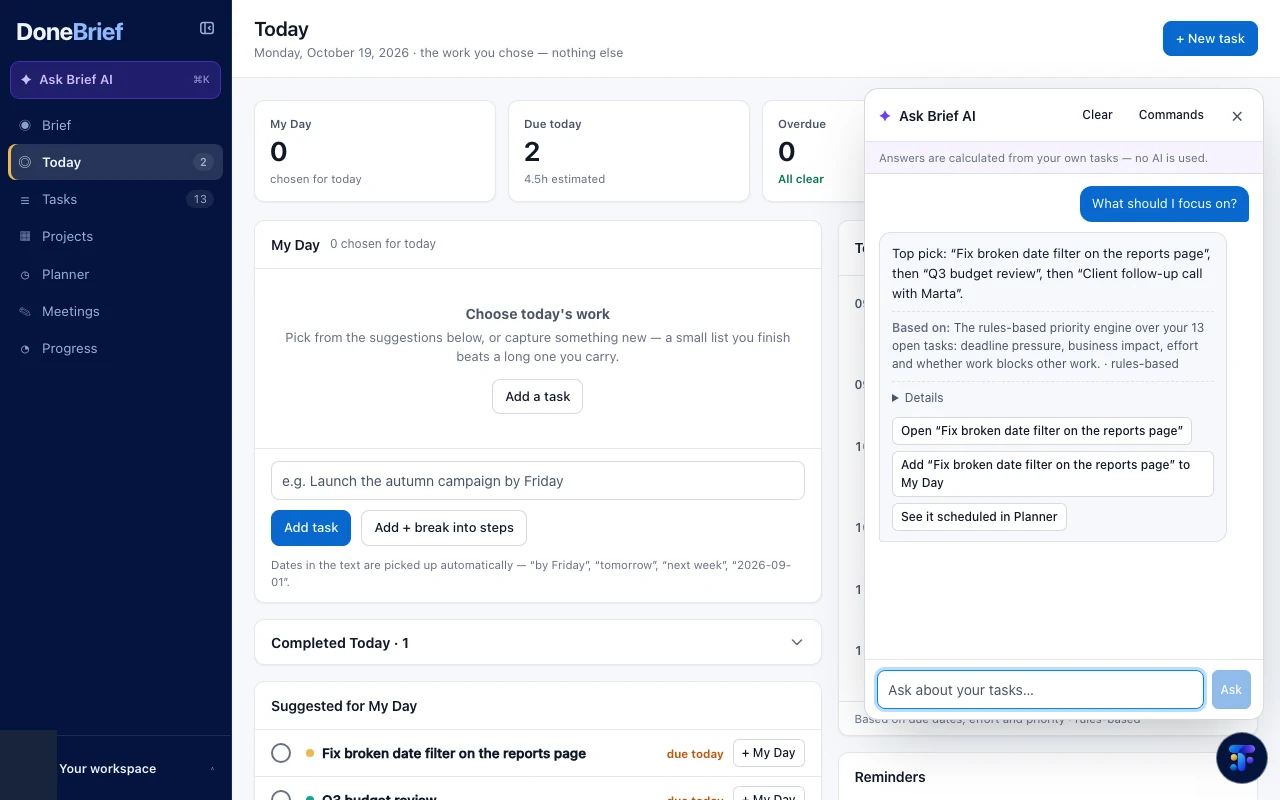

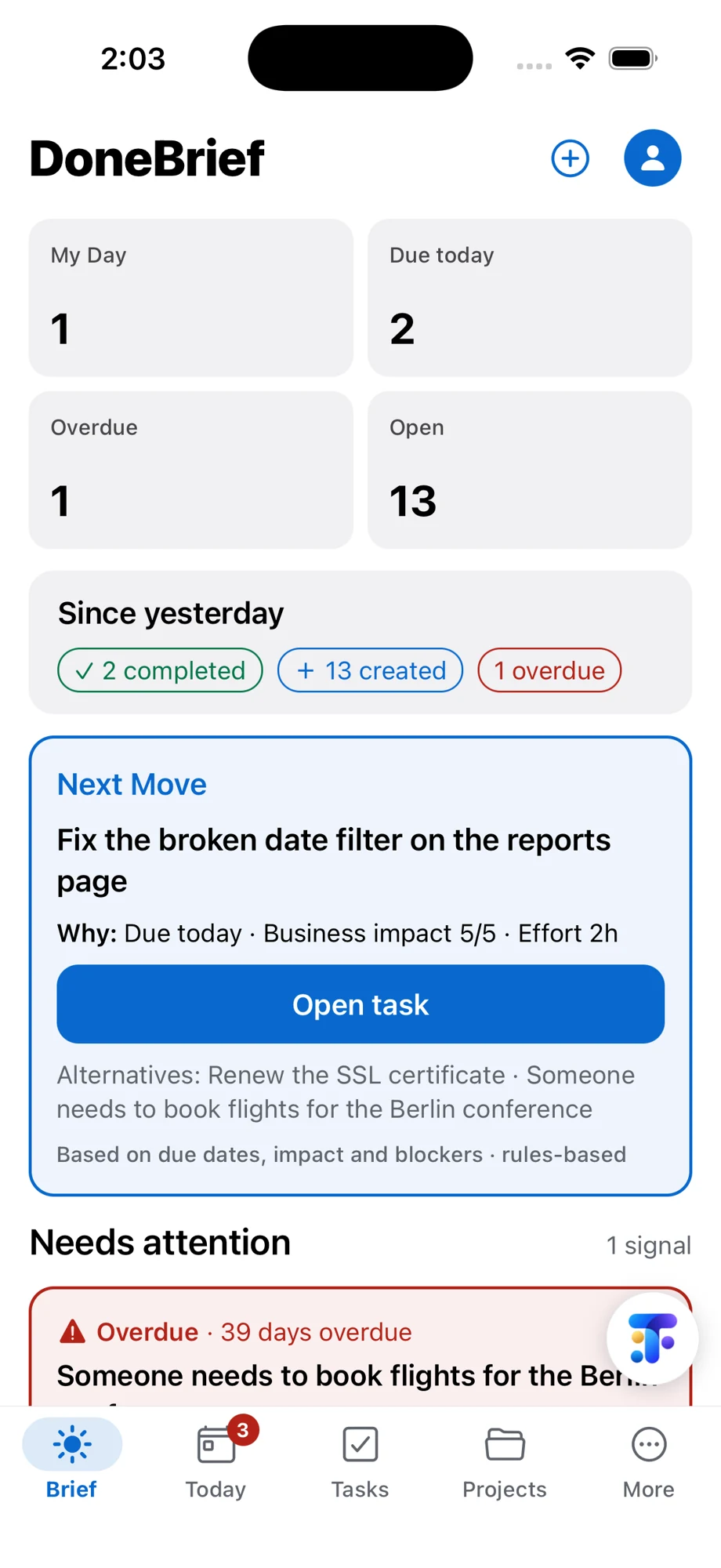

 iPhone 18 Pro · iOS UI preview
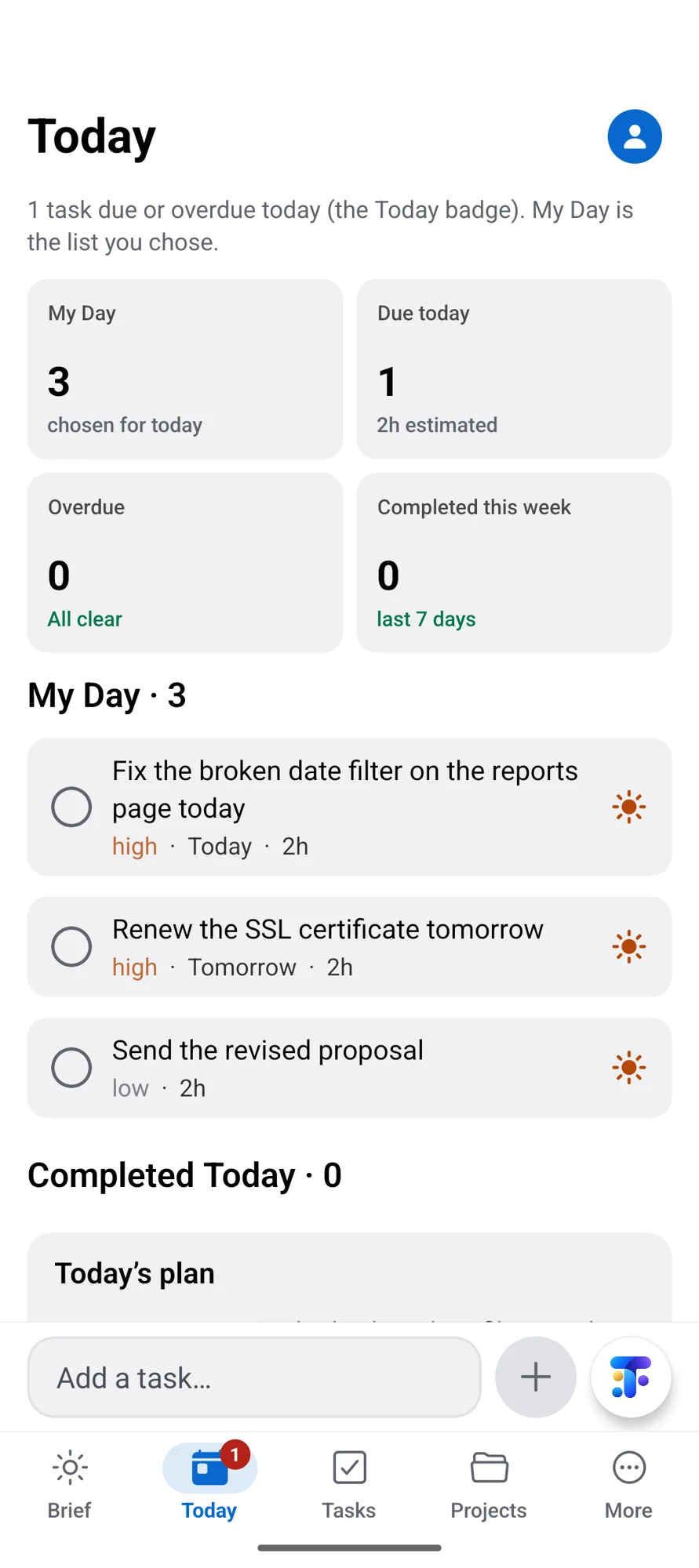

 Android · UI preview
Bring priorities and project context into one useful starting point.
Connect what you know to the follow-up that deserves attention.
Review the action, make room for it and close the loop.
From context to a useful next move
Follow a brief into meeting actions, open Ask Brief AI with the floating T, and try an illustrative answer that leads to a focused next move.
A brief of what moved. A focus for what comes next.
Unblocks the website review. A focused 25-minute step.
Website launchThe workspace behind the result
Tasks, projects, planning and progress support the next move. Explore actual sanitized web captures in both light and dark mode.
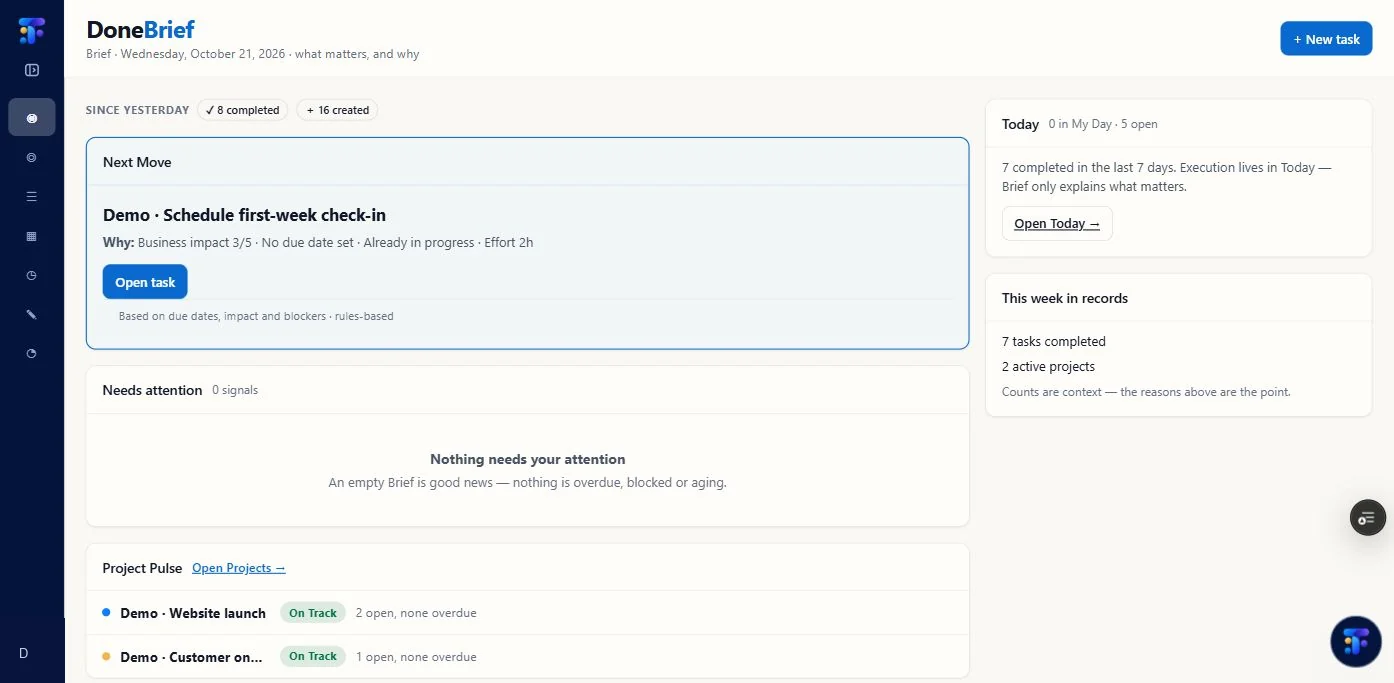
Your current web Brief in light mode: a next move, project pulse and work context. Account identity and unrelated staging content were permanently removed.
See what moved and what deserves your attention next.
Turn notes into suggested tasks you review before adding.
Open contextual assistance from the floating T. Current Preview answers are rules-based.
Keep the next action connected to the outcome it supports.
Give priorities a realistic place in your day.
Close the loop and keep completed work in view.
One Mini Tech account
Use SlideTell to shape an idea into a story. Use DoneBrief to move the work forward. Each product stays focused on its own job.
A useful brief, with your work in context.
A clear next move, with you in control.
Follow through and see the result.
A clearer brief. A useful next action. Progress you can see.
Android is a trademark of Google LLC. The Android robot is reproduced from work created and shared by Google and used according to the Creative Commons 3.0 Attribution License. Apple and iOS marks identify the proposed platform experience; no store listing is represented.